 Decider
You know what you want. You just can’t face deciding it.
So don’t agonise. Decider turns it into one quick game, and the answer you already had comes out.
 No account · No tracking · Works offline
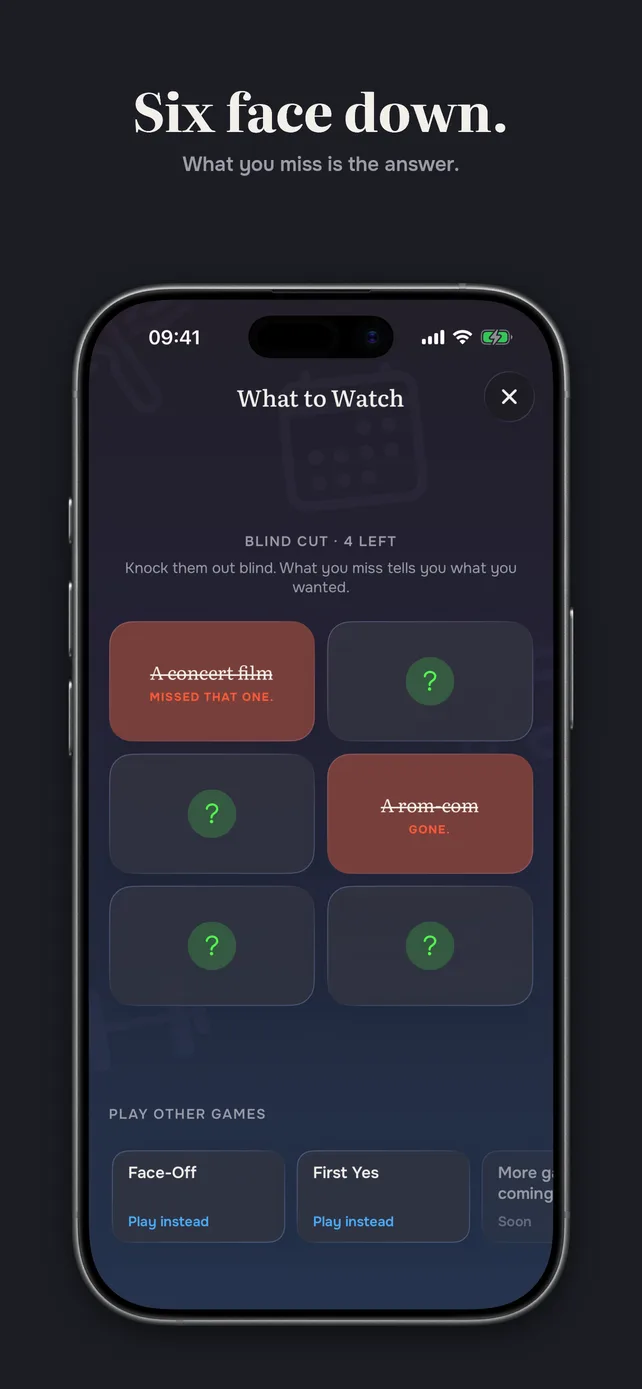
Five gone. One left standing. Off you go.
One tap in. One answer out.
- 01
Tap what you're stuck on
Whatever you've been circling for the last ten minutes.
- 02
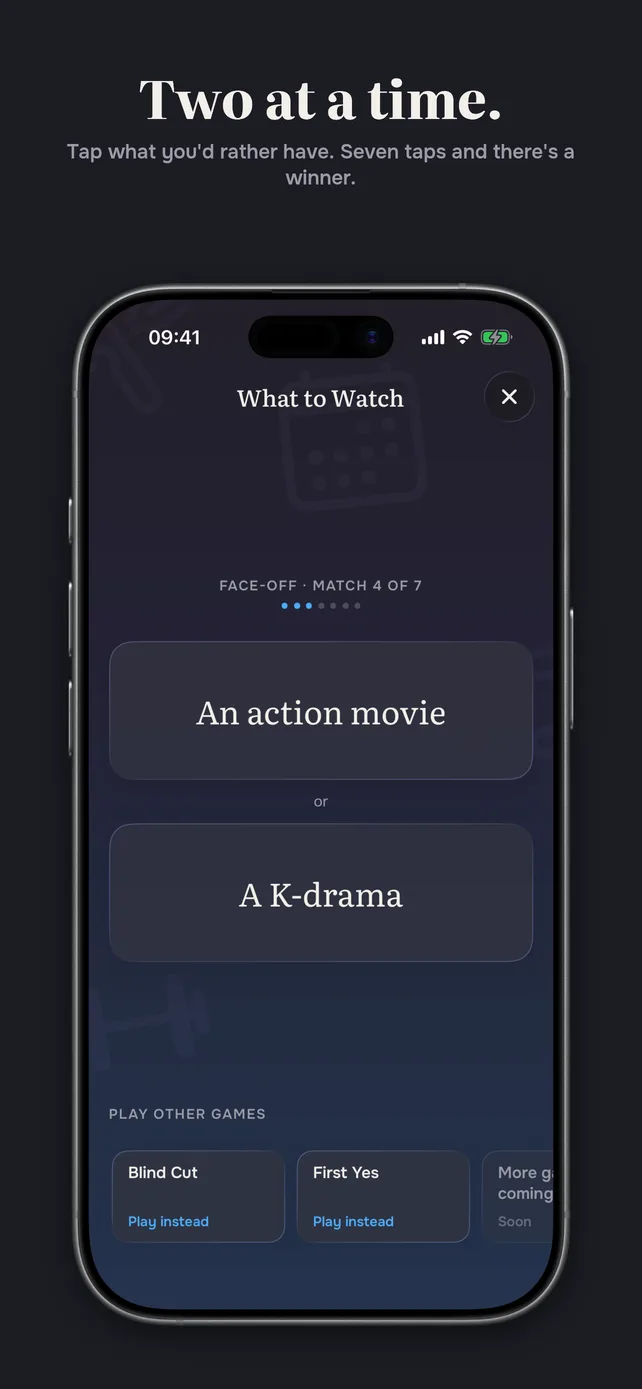
Play the round
It's over before you can talk yourself out of it.
- 03
Go and do it
One answer. No second-guessing.
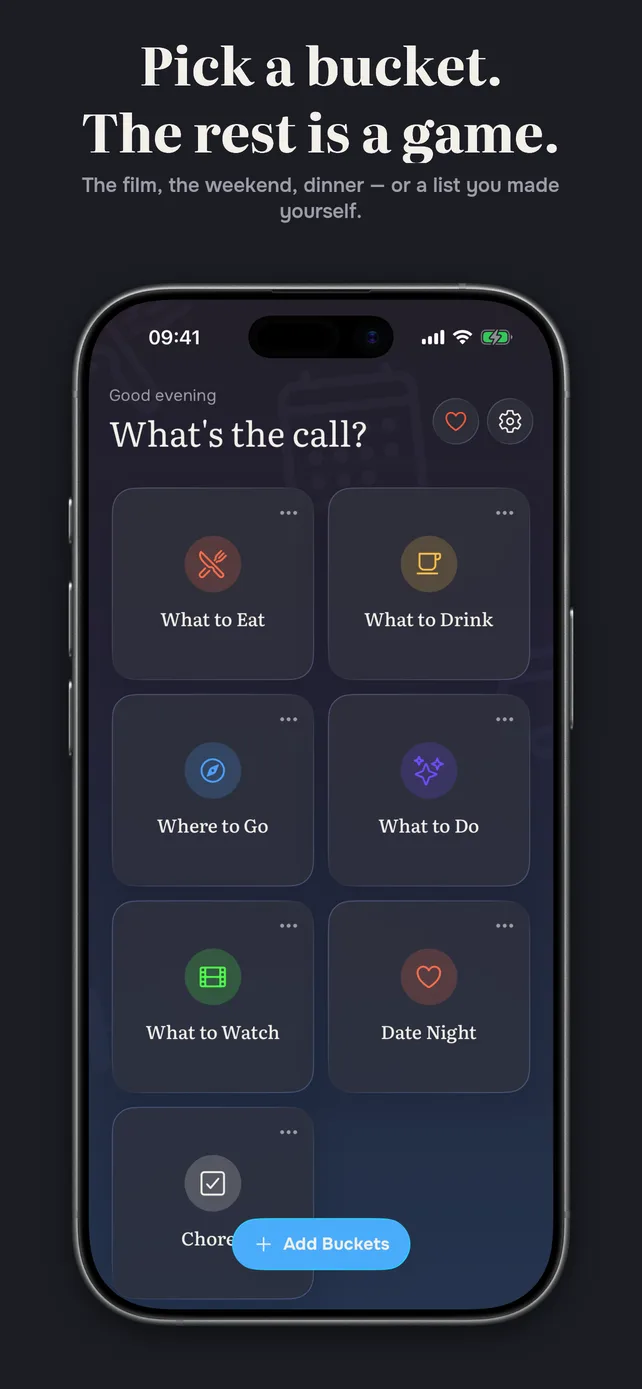
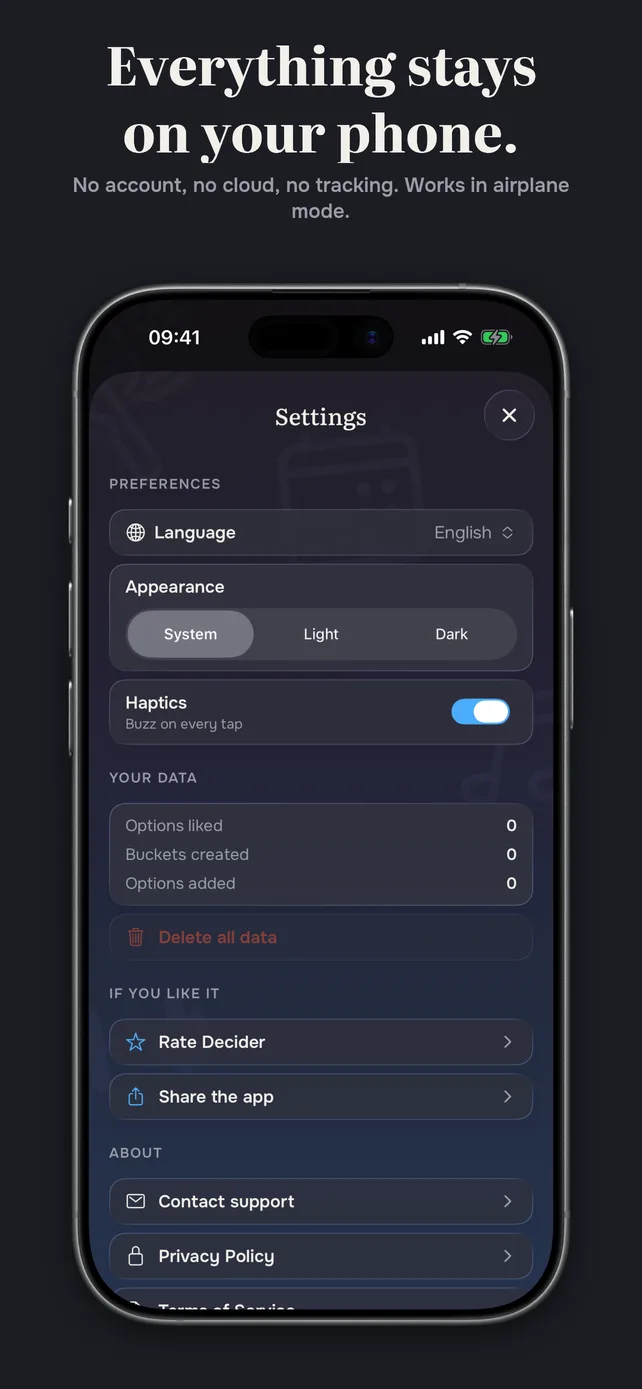
See it in action
Dinner. The film. The weekend. The thing you keep putting off.
Whatever you’ve been circling, put it in and let it go.
Ruled out
The best part is everything it doesn’t do.
An app that wants your email, your habits and a look at how you spend your evenings has missed the point entirely.
- An account
- Nothing to sign up for. Open it and play.
- The cloud
- It all stays on your phone. Airplane mode changes nothing.
- An algorithm
- Nothing is learning your taste or guessing your mood.
- Tracking
- Nothing collected, so there's nothing to sell.
- Notifications
- It never pings you. You open it when you're stuck, not because it asked.
Questions people ask.
How does it decide?
It doesn't, really. It shuffles the options you gave it and plays a quick round. What comes out is a nudge to get you moving, not advice — the choice is still yours, and ignoring it is a perfectly good way to use the app.
Does it need an internet connection?
No. There is no server, no account and nothing to sync. Turn on airplane mode and nothing about it changes.
What happens to what I type in?
It stays on your phone. We never receive it, so there is nothing for us to store, share or sell. Delete the app and it goes with it.
What if I don't like the answer?
Then you have just learned something. That flicker of disappointment is the thing you actually wanted — go and do that instead.
What do I need to run it?
An iPhone on a recent version of iOS. Nothing else — no companion account, no other app, no setup.